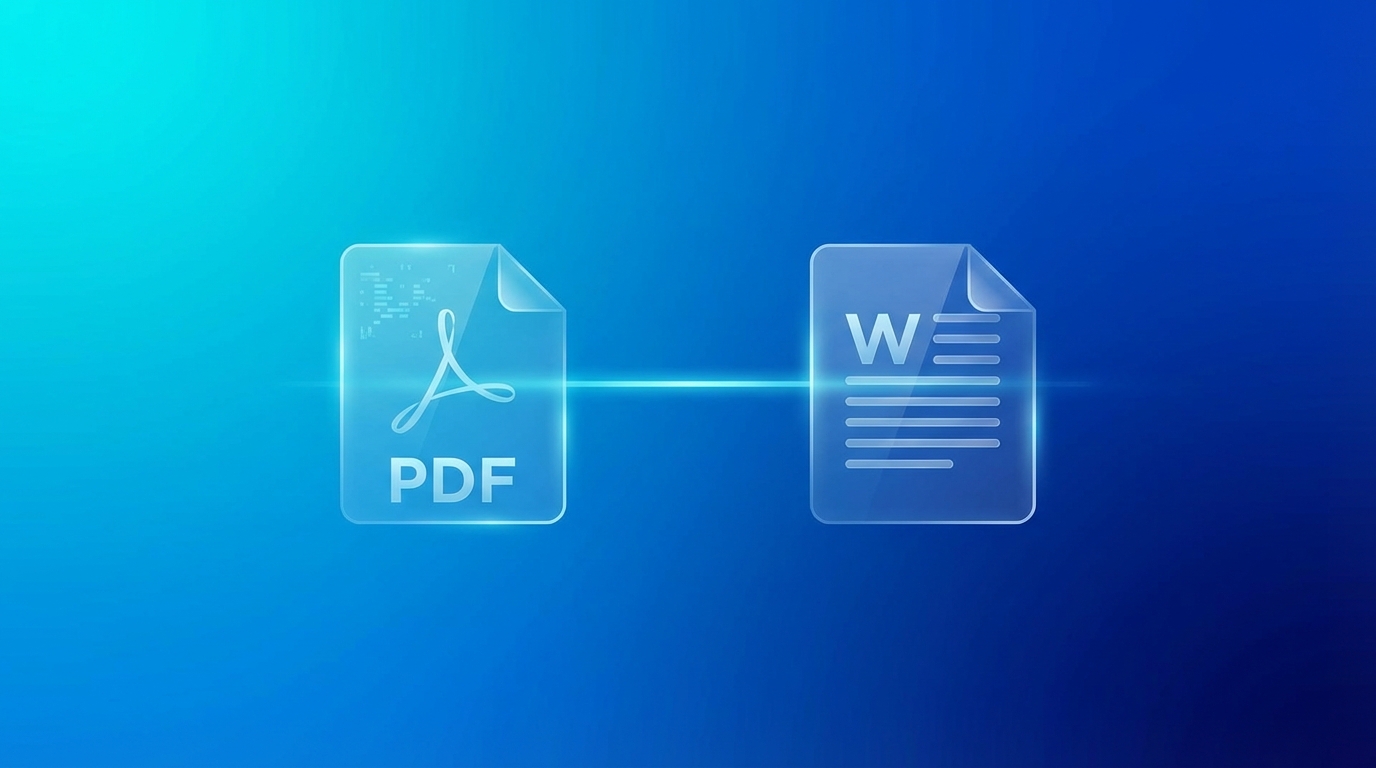
PDF vs DOCX: Choosing the Right Document Format
PDF and DOCX are the two most common document formats, each designed for different purposes. Understanding when to use each format helps ensure your documents work as intended.
Format Fundamentals
PDF (Portable Document Format)
Created by Adobe in 1993, PDF is designed to present documents consistently across all devices and platforms. PDFs preserve exact layout, fonts, and formatting regardless of the viewing software or operating system.
DOCX (Office Open XML Document)
Microsoft's word processing format used by Word. DOCX is designed for creating and editing documents, with features like track changes, comments, and flexible formatting.
Key Differences
| Feature | DOCX | |
|---|---|---|
| Primary purpose | Viewing/sharing | Editing |
| Editability | Difficult | Easy |
| Layout consistency | Exact | May vary |
| Software needed | Any PDF reader | Word processor |
| File size | Usually smaller | Usually larger |
When to Use PDF
- Final documents - Reports, contracts, publications that shouldn't change
- Legal documents - Maintains authenticity and can be digitally signed
- Printing - WYSIWYG (What You See Is What You Get)
- Forms - Fillable PDFs maintain layout while allowing input
- Wide distribution - Anyone can view without Word
When to Use DOCX
- Collaborative editing - Multiple people need to make changes
- Draft documents - Content is still being developed
- Templates - Reusable documents that need customization
- Track changes - Need to see revision history
- Complex formatting needs - Tables, styles, headers that may change
Common Workflow
- Create in DOCX - Write and edit your document
- Collaborate in DOCX - Share for review and revisions
- Finalize in DOCX - Apply final formatting
- Distribute as PDF - Convert for sharing the final version
Converting Between Formats
DOCX to PDF
Easy and reliable. Use Word's built-in export or an online converter. Layout is preserved accurately.
PDF to DOCX
More challenging. Complex layouts may not convert perfectly. Best results come from PDFs originally created from Word documents.
Security Considerations
- PDF: Can be password protected, digitally signed, and have restricted permissions
- DOCX: Can have edit restrictions and track changes, but easier to modify
Ready to Convert Your Files?
Try our free online converter - no registration required!
Frequently Asked Questions
Written by Apps66 Team
The Apps66 team creates helpful tutorials and guides to help you get the most out of file conversion and online tools.
View all articles →