Comparisons
Free vs Paid File Converters: What You Get for Your Money
A
Apps66 Team
Author
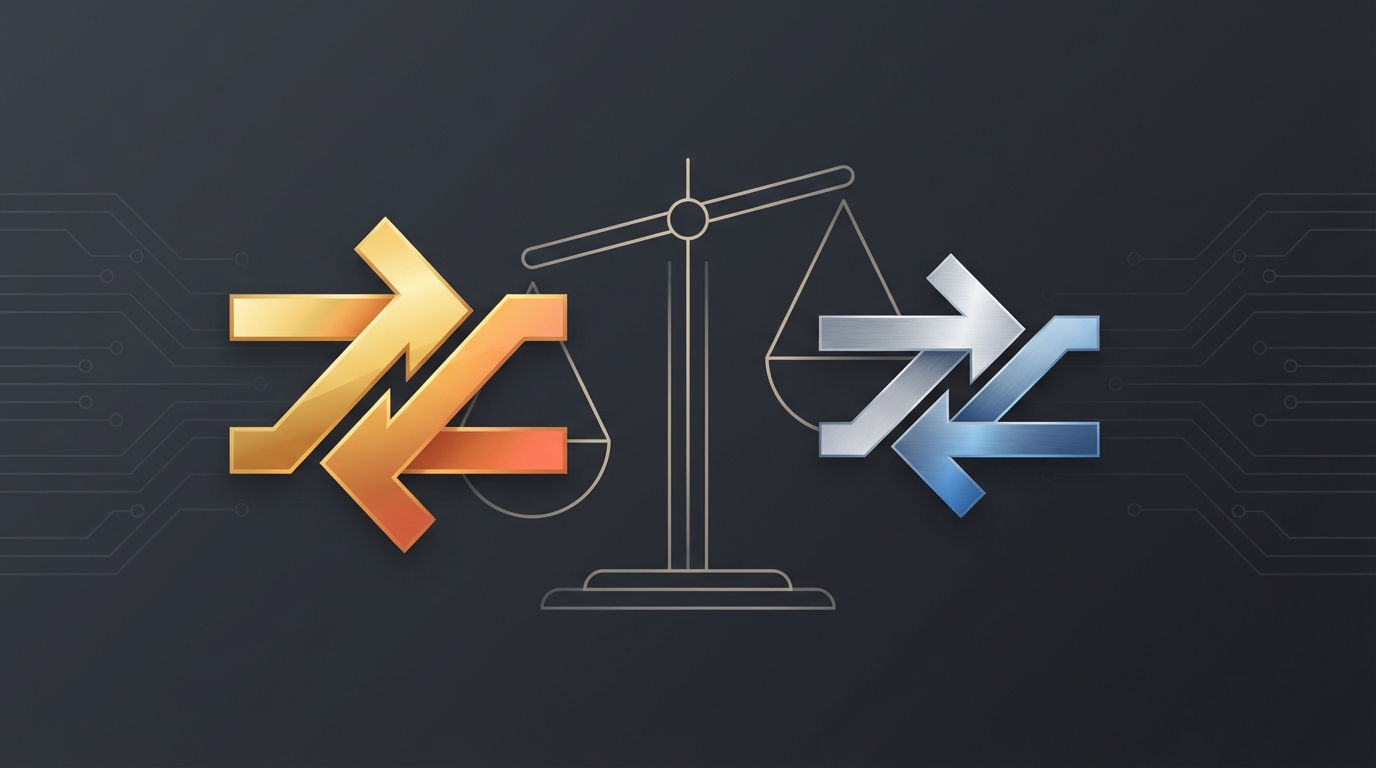
Choosing between free and paid file converters depends on your needs. This comparison helps you understand what you get at each level.
Free Converter Features
- Basic format conversions
- File size limits (often 50-100MB)
- Limited daily conversions
- Standard quality settings
- Ads present
Paid Converter Features
- All format conversions
- Larger file limits (1GB+)
- Unlimited conversions
- Advanced quality controls
- Ad-free experience
- Priority processing
- Batch conversion
- API access
When Free is Enough
- Occasional conversions
- Small files
- Basic format needs
- Non-urgent work
When to Consider Paid
- Regular, frequent conversions
- Large files or batch processing
- Professional use
- Need for advanced features
- Time-sensitive work
swap_horiz
Ready to Convert Your Files?
Try our free online converter - no registration required!
help_outline
Frequently Asked Questions
Reputable free converters are safe. Check for HTTPS, clear privacy policies, and auto-deletion of files.
Not necessarily better quality, but paid services often offer more control over quality settings.
Check terms of service. Most allow personal and commercial use of converted files.
A
Written by Apps66 Team
The Apps66 team creates helpful tutorials and guides to help you get the most out of file conversion and online tools.
View all articles →