Comparisons

MP3 vs WAV: Audio Quality and File Size Compared

A
Apps66 Team
Author
calendar_today December 02, 2025 update Updated Jan 26, 2026 schedule 2 min read visibility 66 views
MP3 vs WAV: Audio Quality and File Size Compared

MP3 and WAV represent two fundamentally different approaches to audio storage. Understanding their differences helps you choose the right format for music production, distribution, and archival.

Format Overview

MP3 (MPEG Audio Layer 3)

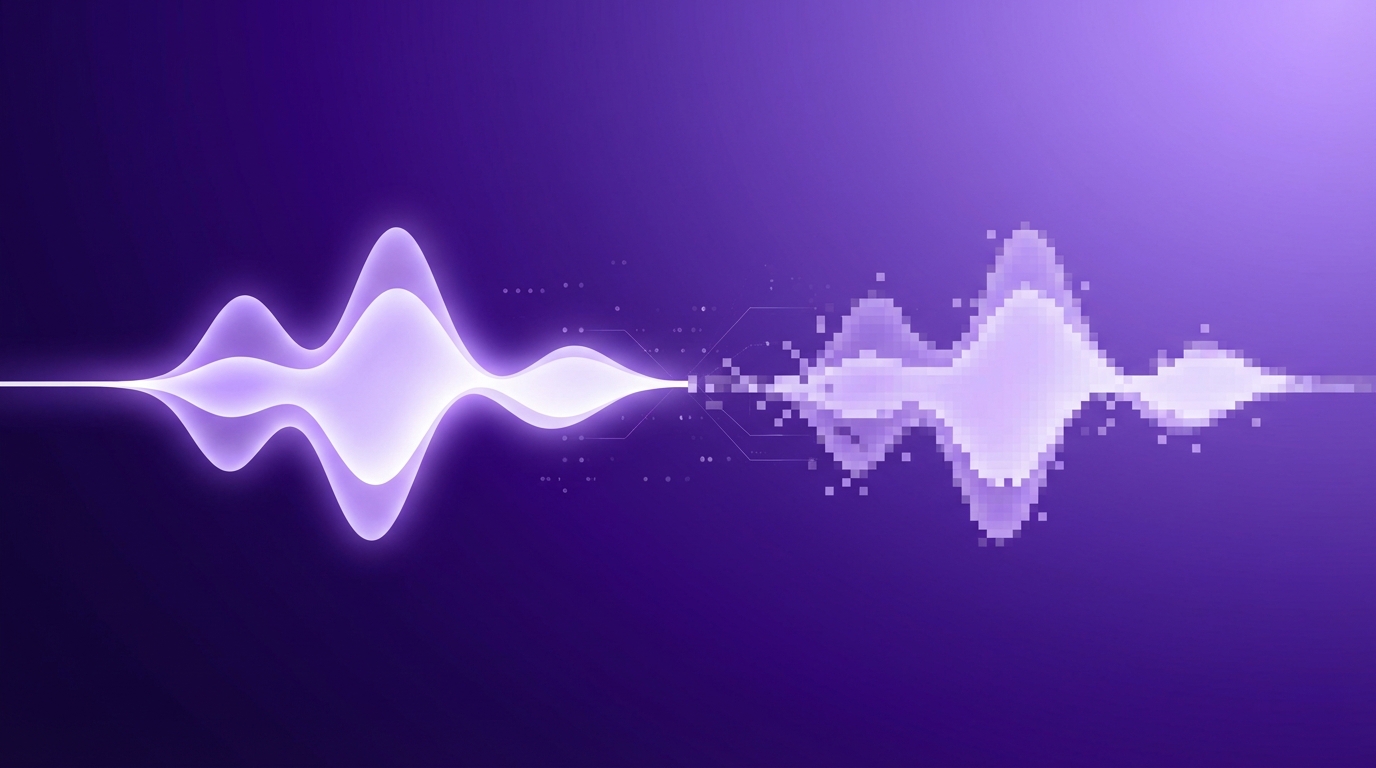
Developed in the 1990s, MP3 revolutionized digital music by making files small enough to download and store practically. It uses lossy compression, removing audio data that most people cannot perceive.

WAV (Waveform Audio File Format)

Microsoft and IBM's standard audio format stores sound as uncompressed audio data. WAV files contain the complete audio information exactly as recorded, making them ideal for professional use.

Key Differences

FeatureMP3WAV
CompressionLossyUncompressed
QualityGood to excellentPerfect (original)
File size (1 min audio)~1 MB at 128kbps~10 MB
Editing suitabilityLimitedExcellent
Metadata supportID3 tagsLimited

When to Use MP3

  • Music distribution - Streaming, downloads, sharing
  • Portable devices - Limited storage space
  • Podcasts - Speech compresses well with minimal loss
  • Background music - When perfect quality isn't critical
  • Web audio - Faster loading on websites

When to Use WAV

  • Music production - Recording and editing in DAWs
  • Archival - Master copies that preserve original quality
  • Professional audio - Broadcasting, film, video production
  • Sampling - Source material for music production
  • High-quality playback - Audiophile listening systems

Understanding Bitrate

MP3 quality depends on bitrate (kilobits per second):

  • 128 kbps - Acceptable quality, noticeable loss in complex passages
  • 192 kbps - Good quality, most won't notice difference from CD
  • 256 kbps - Very good quality, hard to distinguish from original
  • 320 kbps - Best MP3 quality, indistinguishable for most listeners

Common Workflows

Music Production

  1. Record in WAV (uncompressed quality)
  2. Edit and mix in WAV
  3. Export master in WAV (archival copy)
  4. Convert to MP3 for distribution

Podcast Production

  1. Record in WAV for editing flexibility
  2. Edit and process in WAV
  3. Export final as MP3 (128-192 kbps for speech)

Alternative Formats to Consider

  • FLAC - Lossless compression, 50-60% of WAV size
  • AAC - Better quality than MP3 at same bitrate
  • OGG Vorbis - Open-source alternative to MP3
swap_horiz

Ready to Convert Your Files?

Try our free online converter - no registration required!

Convert Now arrow_forward
help_outline

Frequently Asked Questions

Most people cannot distinguish 320 kbps MP3 from WAV in blind tests. The difference becomes noticeable at lower bitrates or with high-end audio equipment.
Yes, always keep WAV masters. You can always create MP3s from WAV, but you cannot restore quality lost in MP3 compression.
MP3 or AAC are standard for streaming due to smaller file sizes and good quality.

Share this article

A

Written by Apps66 Team

The Apps66 team creates helpful tutorials and guides to help you get the most out of file conversion and online tools.

View all articles →