Format Guides
DPI and Image Resolution Explained: What You Need to Know
A
Apps66 Team
Author

Understanding DPI and resolution is essential for working with images across different media. This guide explains these concepts and how they affect your work.
What is DPI?
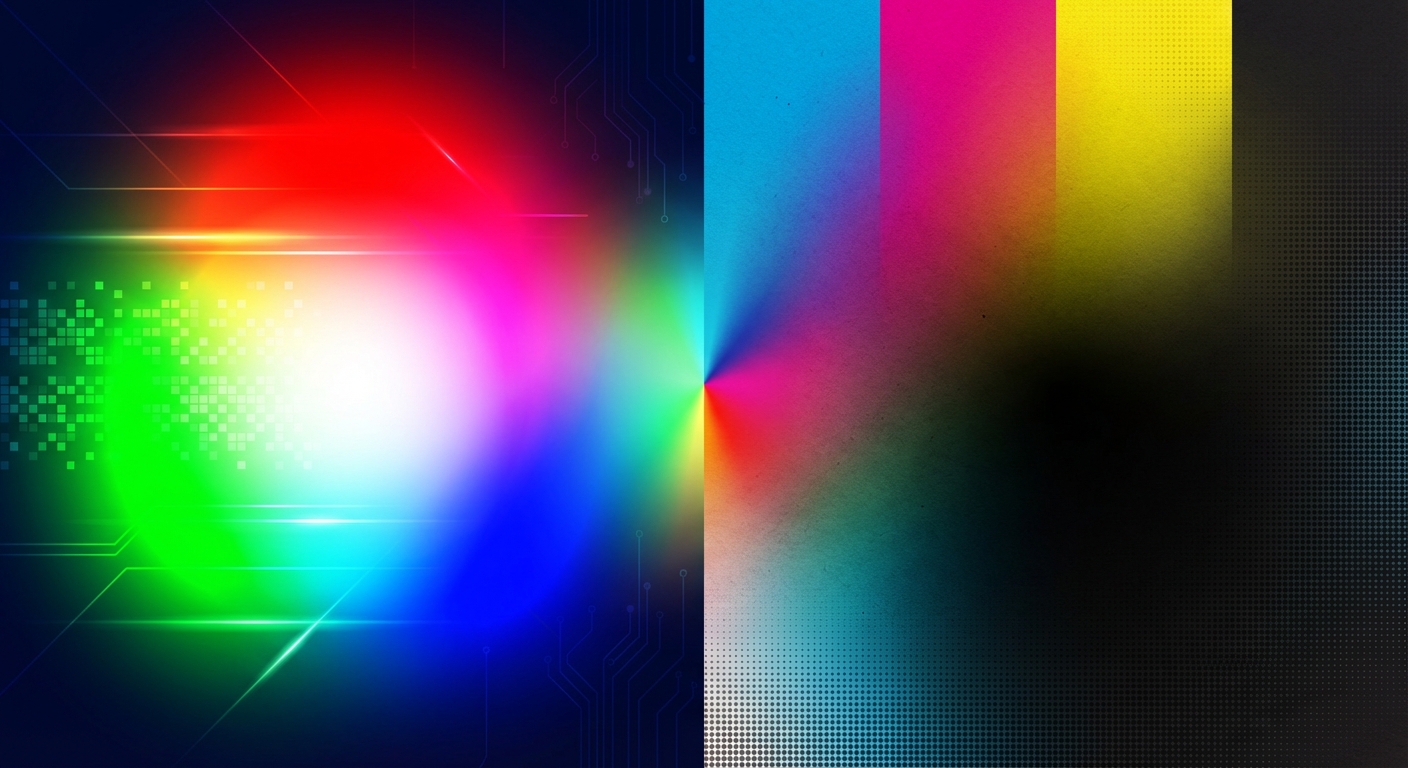
DPI (Dots Per Inch) measures how many dots of ink a printer places in one inch. For digital displays, PPI (Pixels Per Inch) is more accurate.
DPI Guidelines
- 72-96 DPI - Screen display (web, email)
- 150 DPI - Acceptable print quality
- 300 DPI - Standard print quality
- 600+ DPI - High-quality printing, fine detail
Resolution vs DPI
Resolution is the total pixel count (e.g., 1920x1080). DPI determines how large those pixels are printed.
A 3000x2000 pixel image at 300 DPI prints at 10x6.67 inches.
Common Misconceptions
- Increasing DPI doesn't add detail - You can't create information that doesn't exist
- Screen DPI is largely irrelevant - Screens display pixels, not inches
- Same file, different DPI = same quality - Only print size changes
swap_horiz
Ready to Convert Your Files?
Try our free online converter - no registration required!
help_outline
Frequently Asked Questions
DPI doesn't matter for web - only pixel dimensions. Use 72 DPI by convention, but any value works.
No. Changing DPI just changes the metadata for print size. To improve quality, you need more actual pixels.
At 300 DPI, individual dots are too small to see at normal viewing distance, resulting in smooth images.
A
Written by Apps66 Team
The Apps66 team creates helpful tutorials and guides to help you get the most out of file conversion and online tools.
View all articles →