Format Guides
RGB vs CMYK: Color Spaces Explained for Print and Web
A
Apps66 Team
Author
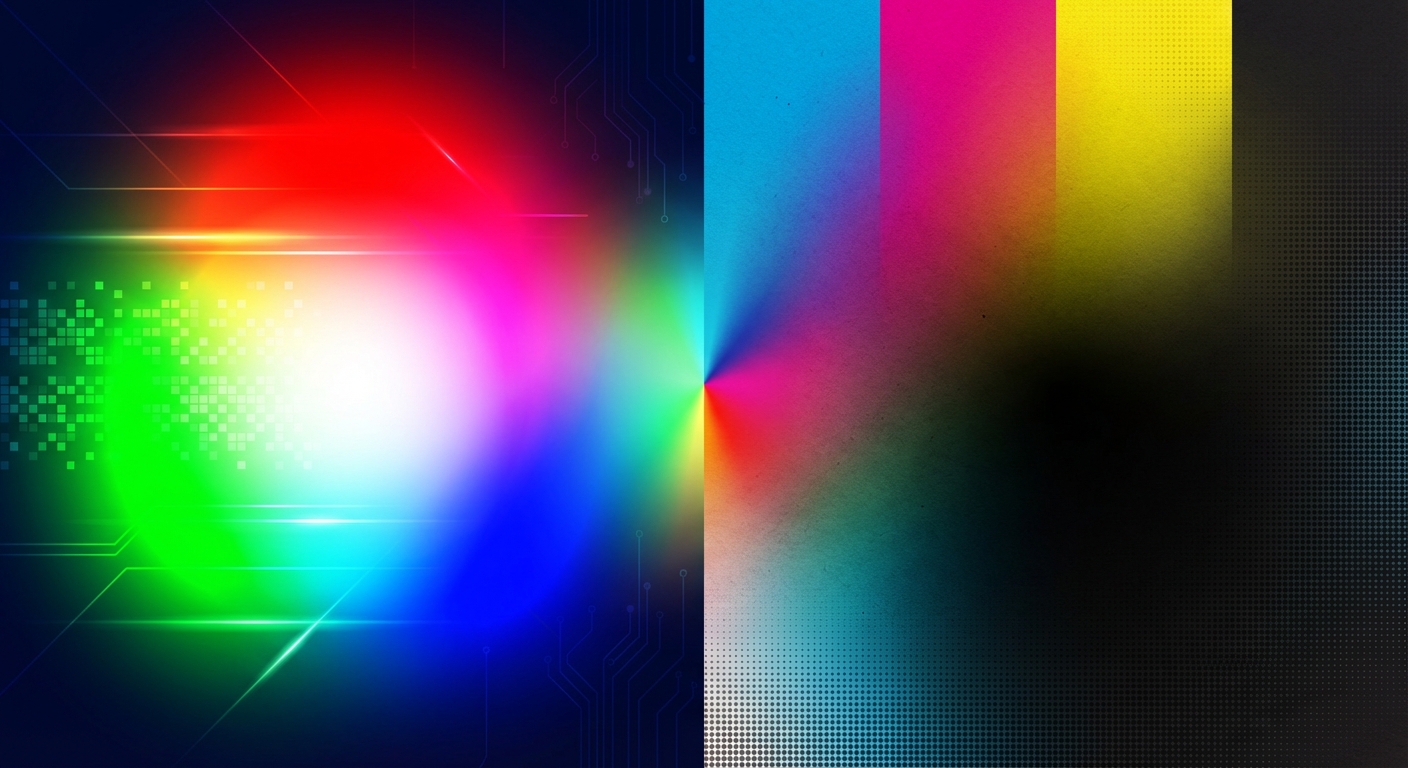
Understanding color spaces is essential for getting consistent colors across screens, printers, and different devices. This guide explains RGB, CMYK, and when to use each.
RGB Color Space
Red, Green, Blue - the additive color model used by screens and digital displays.
- Used for: Websites, digital images, video, apps
- Colors created by: Adding light
- White: All colors at maximum
- Black: No light
CMYK Color Space
Cyan, Magenta, Yellow, Key (Black) - the subtractive model used in printing.
- Used for: Print materials, physical products
- Colors created by: Subtracting light (absorbing with ink)
- White: Paper showing through (no ink)
- Black: All inks combined (plus K for true black)
When to Convert
RGB to CMYK
When preparing digital designs for print. Some bright RGB colors cannot be reproduced in print.
CMYK to RGB
When displaying print designs digitally. Colors may appear more vibrant on screen.
Common Issues
- Colors look different in print - RGB colors often can't be exactly matched in CMYK
- Vibrant colors become dull - CMYK has a smaller color gamut
- Black looks different - Rich black (mixing CMYK) vs pure K
swap_horiz
Ready to Convert Your Files?
Try our free online converter - no registration required!
help_outline
Frequently Asked Questions
Screens use RGB (light), printers use CMYK (ink). Some RGB colors cannot be printed. Always soft-proof before printing.
Design in RGB for digital-only. For print, design in CMYK or convert before sending to printer.
The range of colors a device can display or print. RGB has a wider gamut than CMYK.
A
Written by Apps66 Team
The Apps66 team creates helpful tutorials and guides to help you get the most out of file conversion and online tools.
View all articles →