Tutorials
Convert RAW to JPG: Photography File Conversion Guide
A
Apps66 Team
Author
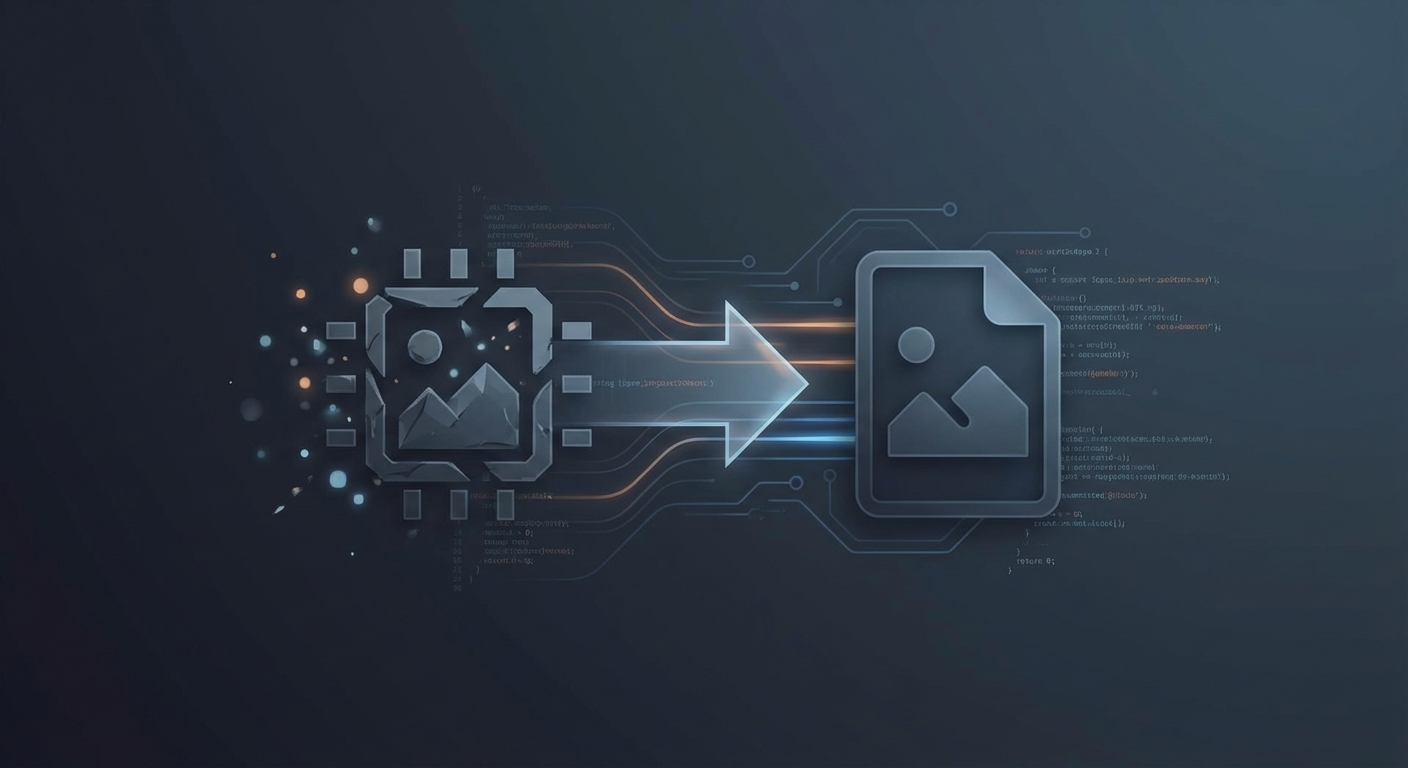
RAW files contain unprocessed image data directly from your camera's sensor. Converting RAW to JPG is essential for sharing, printing, or using photos in applications that don't support RAW formats.
Understanding RAW vs JPG
RAW Files
- Unprocessed sensor data
- Maximum editing flexibility
- Large file sizes (20-60 MB per image)
- Camera-specific formats (.CR2, .NEF, .ARW, etc.)
- Not directly viewable in most applications
JPG Files
- Processed, compressed images
- Universal compatibility
- Smaller files (2-10 MB typically)
- Standard format for sharing
- Some quality/editing flexibility lost
When to Convert RAW to JPG
- After editing - Export final version for sharing
- Social media - Platforms require JPG/PNG
- Web galleries - Faster loading times
- Printing - Many print services accept JPG
- Sharing with non-photographers - Everyone can view JPG
RAW Conversion Methods
Method 1: Adobe Lightroom
- Import RAW files into Lightroom
- Edit as desired (exposure, color, etc.)
- File → Export
- Choose JPEG, set quality (85-100% recommended)
- Export
Method 2: Adobe Camera Raw / Photoshop
- Open RAW file (Camera Raw launches automatically)
- Adjust settings
- Open in Photoshop or Save Image
- Save As JPEG
Method 3: Free Software (RawTherapee, Darktable)
- Import RAW file
- Apply edits and adjustments
- Export as JPEG
Method 4: Online Converters
- Upload RAW file
- Select output format and quality
- Download converted JPG
Note: Online converters may apply default processing without custom editing.
Conversion Settings
Quality/Compression
- 100% - Maximum quality, largest file
- 90-95% - Excellent quality, slightly smaller (recommended for archival)
- 80-85% - Good quality, reasonable size (recommended for web)
- Below 80% - Noticeable artifacts, smaller files
Color Space
- sRGB - Best for web and general use
- Adobe RGB - Wider gamut for printing
Resolution
- Keep full resolution for printing
- Resize for web (2000-4000px long edge typical)
Best Practices
- Always keep RAW files - They're your digital negatives
- Edit before converting - RAW allows more editing flexibility
- Use appropriate settings - Match quality to intended use
- Batch convert - Process multiple files efficiently
swap_horiz
Ready to Convert Your Files?
Try our free online converter - no registration required!
help_outline
Frequently Asked Questions
Shoot RAW for maximum editing flexibility. Convert to JPG when sharing. Many cameras offer RAW+JPG to capture both.
Some flexibility is lost (you can't adjust white balance as freely later), but properly converted JPGs are high quality.
Most converters support CR2 (Canon), NEF (Nikon), ARW (Sony), RAF (Fujifilm), ORF (Olympus), and DNG.
A
Written by Apps66 Team
The Apps66 team creates helpful tutorials and guides to help you get the most out of file conversion and online tools.
View all articles →