Tips & Tricks
OCR Best Practices: Getting Accurate Text from Scanned Documents
A
Apps66 Team
Author
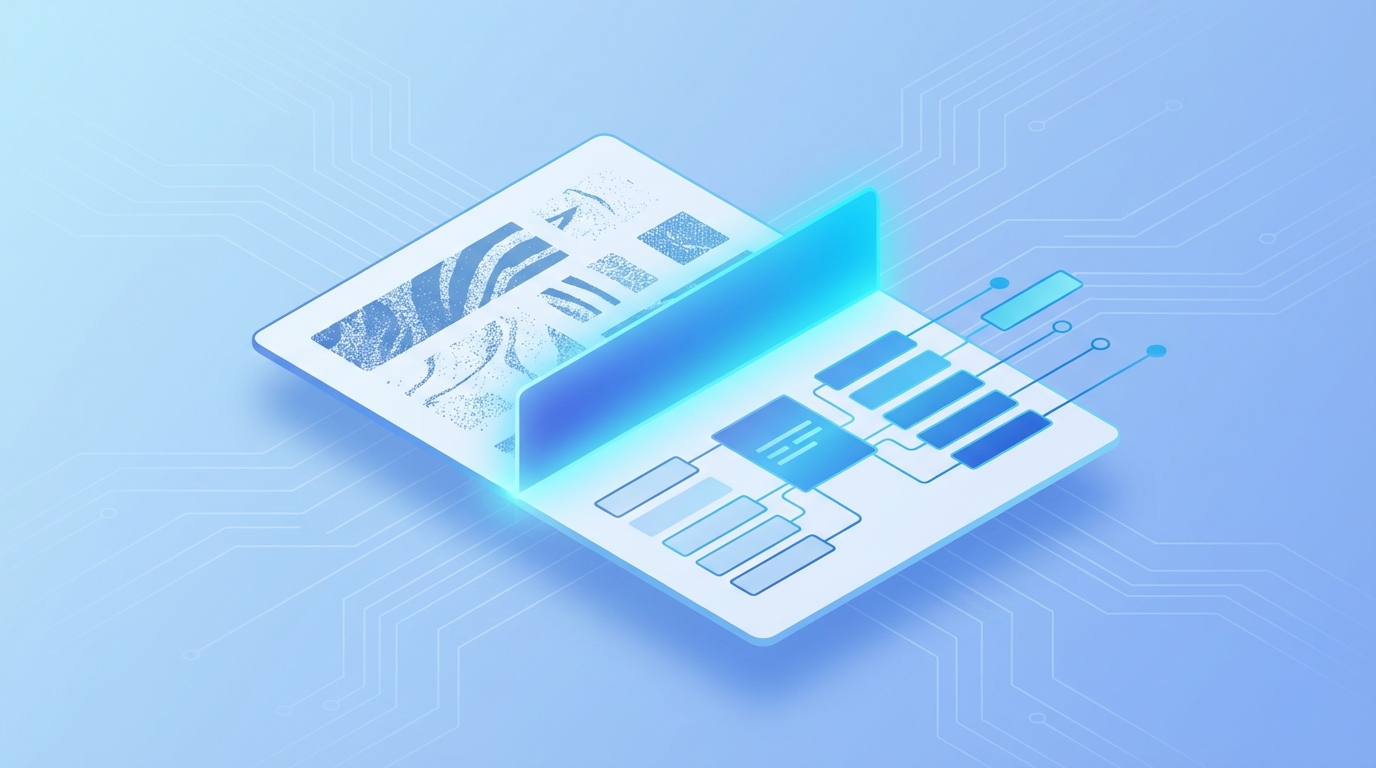
OCR (Optical Character Recognition) transforms scanned documents and images into searchable, editable text. This guide covers best practices for accurate OCR results.
What is OCR?
OCR technology analyzes images of text and converts them into machine-readable characters. This enables you to search, edit, and copy text from scanned documents.
Preparing Documents for OCR
- High resolution - Scan at 300 DPI or higher
- Good contrast - Clear black text on white background
- Straight alignment - Minimize skew and rotation
- Clean originals - Remove dust, stains, and folds
Tips for Better OCR Results
- Use quality scans - Higher resolution improves accuracy
- Straighten pages - Correct rotation before OCR
- Choose correct language - OCR engines need language hints
- Review output - Proofread for common OCR errors
- Handle columns correctly - Some documents need layout analysis
Common OCR Errors
- Confusing similar characters (0/O, 1/l/I, rn/m)
- Missing or merged words
- Header/footer interference
- Table structure issues
swap_horiz
Ready to Convert Your Files?
Try our free online converter - no registration required!
help_outline
Frequently Asked Questions
Modern OCR achieves 95-99% accuracy on clear, high-quality scans. Accuracy drops with poor quality or handwriting.
Limited. Most OCR is optimized for printed text. Specialized ICR (Intelligent Character Recognition) handles some handwriting.
Major languages are well-supported. Accuracy varies; check if your language is supported before processing.
A
Written by Apps66 Team
The Apps66 team creates helpful tutorials and guides to help you get the most out of file conversion and online tools.
View all articles →